Three flight training platforms.
From ab-initio training to multi-crew operation. One common hardware and software architecture.
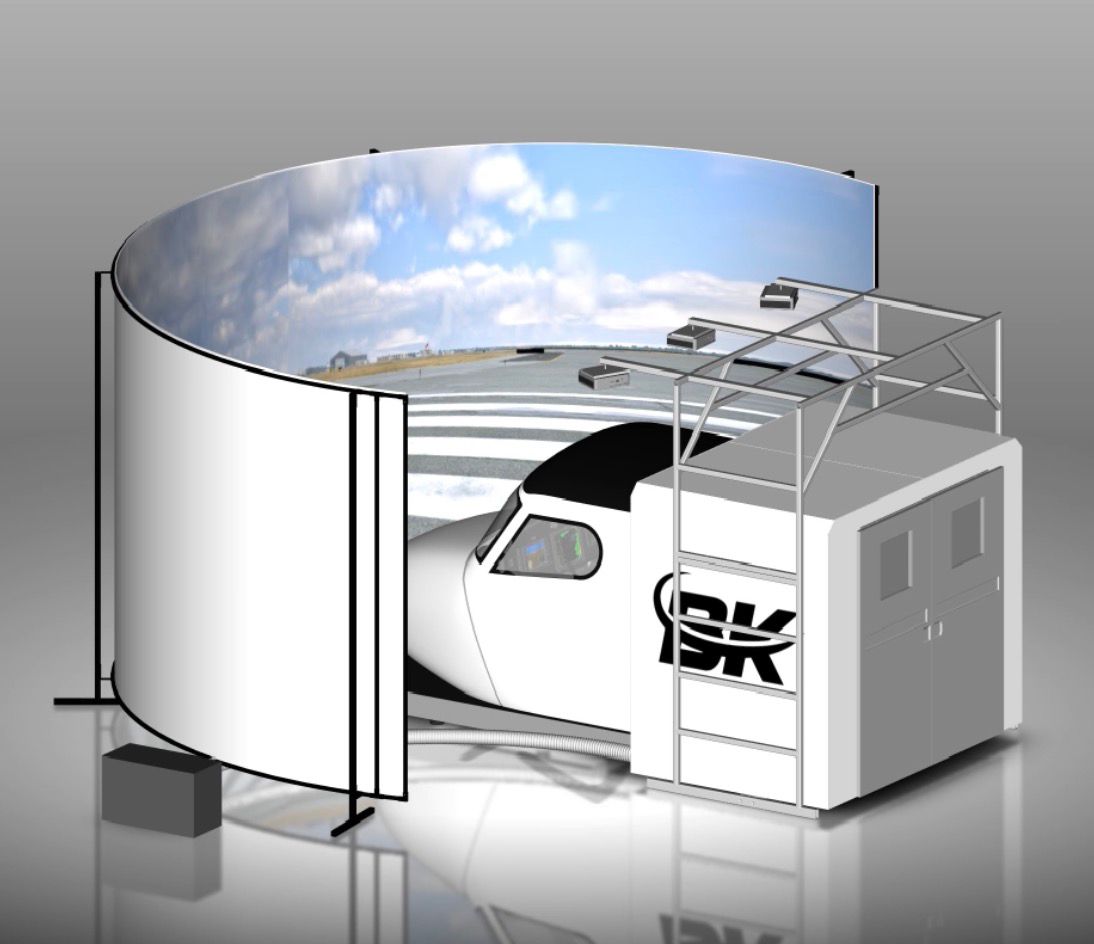
3D render — prototype under construction.
FNPT II MCC multi-crew simulator
A multi-crew cockpit for organisations running MCC courses, instrument rating and CPL programmes.
- Category
- Multi-crew simulator
- Level
- FNPT II MCC
- Cockpit
- Multi-crew
- Standards
- Designed to EASA CS-FSTD(A)
- Lead time
- 10 to 12 months
- Price
- On request
Glass cockpit procedural trainer
A procedural station for electronic instrument and IFR procedure training.
- Category
- Procedural trainer
- Level
- BITD
- Cockpit
- Glass cockpit
- Standards
- Designed to EASA CS-FSTD(A)
- Lead time
- 4 to 6 months
- Price
- On request
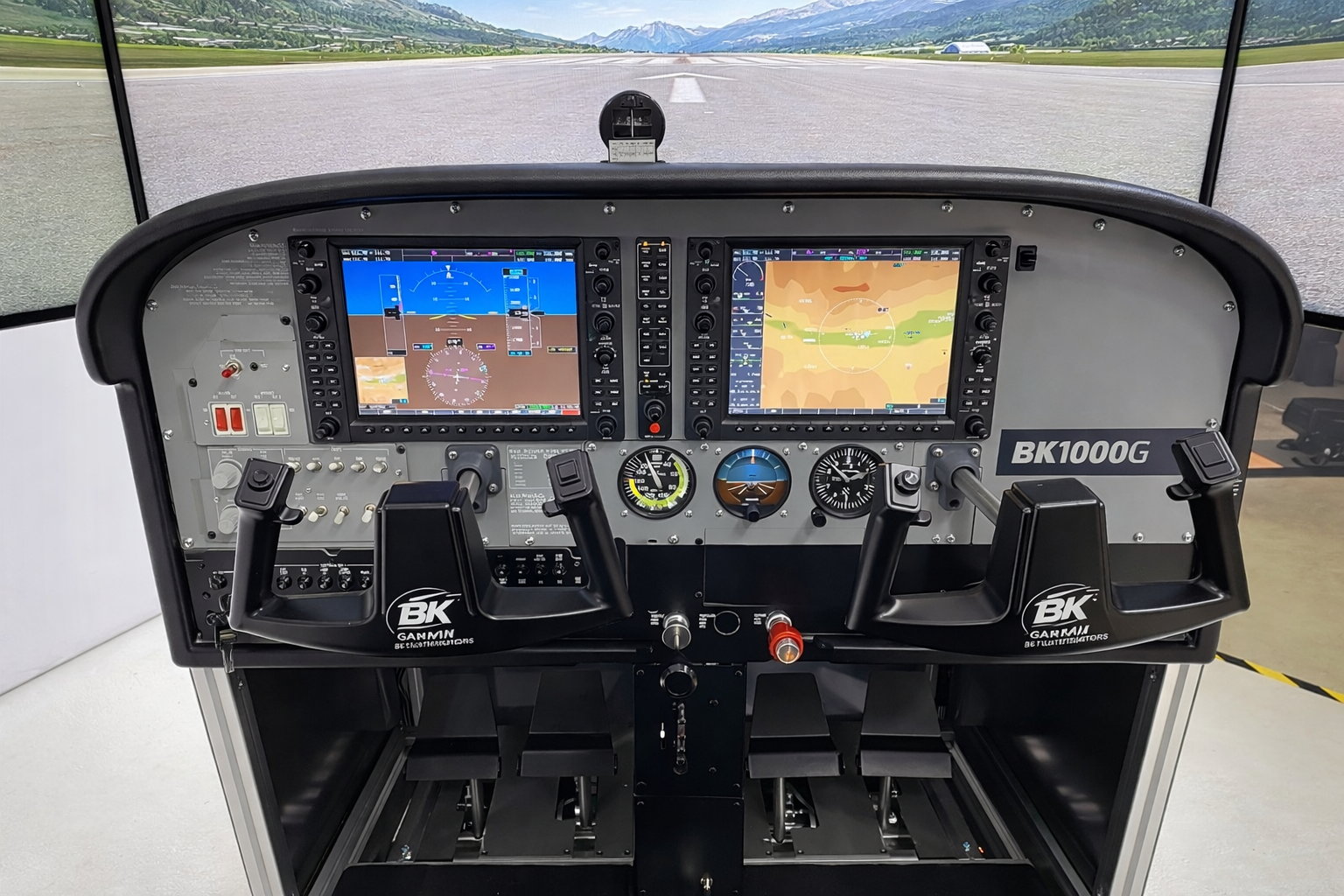
3D render — prototype under construction.
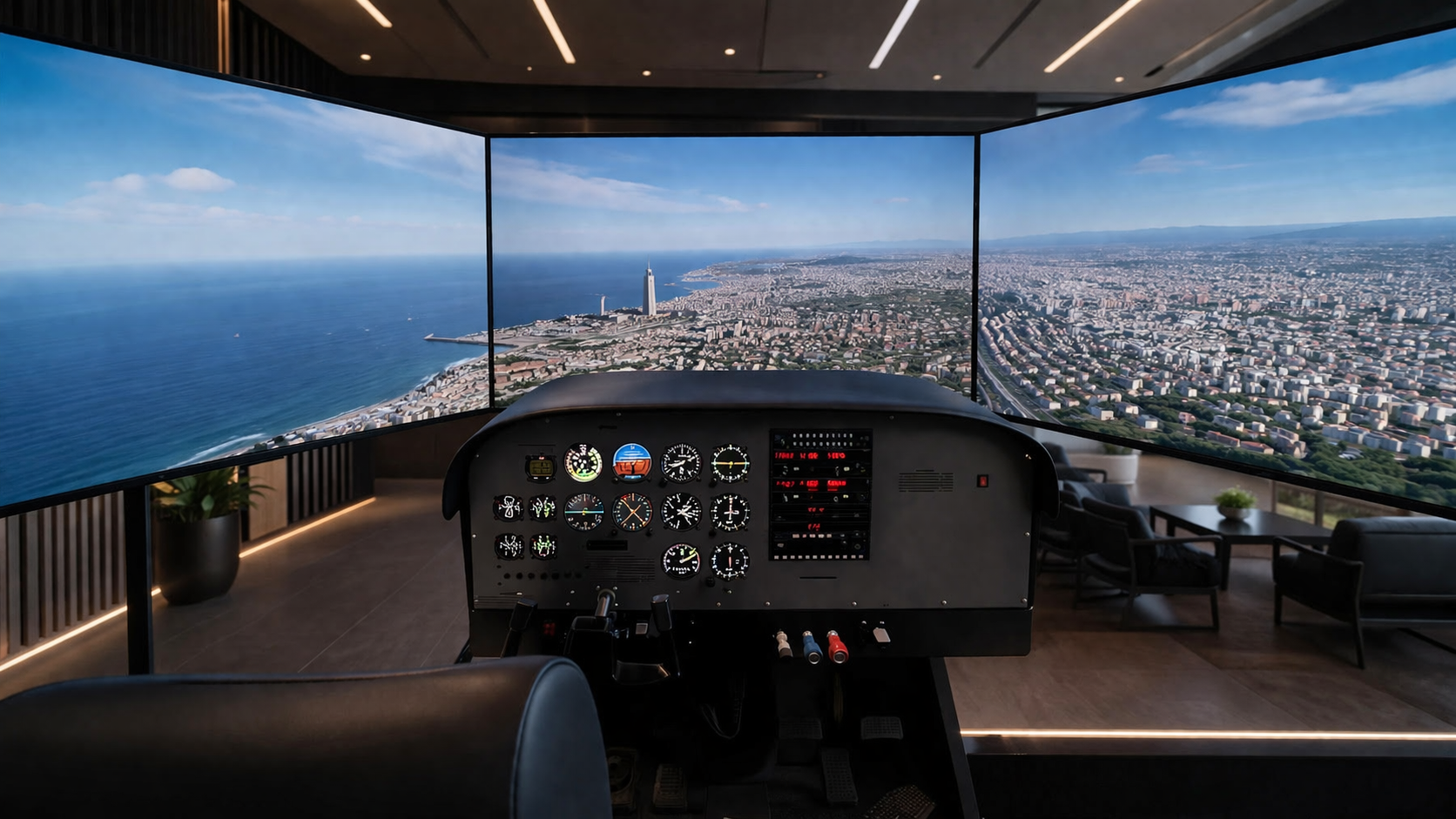
BK 1000A — analog cockpit.
Analog cockpit ab-initio trainer
Our first delivered model, for ab-initio training on conventional instruments.
- Category
- Ab-initio trainer
- Level
- BITD
- Cockpit
- Analog
- Standards
- Designed to EASA CS-FSTD(A)
- Lead time
- 4 to 6 months
- Price
- On request
BK Instructor Station.
BK Instructor Station (BKIS) is the shared instructor station across the entire BK simulator range. Built around a clean touchscreen interface, it brings every teaching lever an instructor needs — failures, weather, freeze, repositioning, traffic, weight and balance — onto a single screen, so the trainer never has to look away from the trainee.
80+ failures across 12 systems (engines, electrical, hydraulic, fuel, flight controls, landing gear, instruments, avionics, pneumatic, ice protection, autoflight, structural), triggered immediately, on delay, at altitude or at airspeed.
Three wind layers, three cloud layers, visibility, QNH, turbulence, icing, precipitation, UTC time and season; METAR import; quick presets and ILS categories from VMC through CAT IIIc.
Selective freeze of position, altitude, heading, fuel, weather or systems; 3×3 approach preset grid; teleport to SID/STAR/APP waypoints or airwork hold from FL050 to FL300.
Landing gear, flaps (UP/TO/APR/LDG), QNH, parking brake, NAV/COM radios, selected course, heading bug, transponder.
Bearing, relative altitude, vertical trend, intercept time, one-touch aircraft spawn.
Per-profile tanks and payload stations, live gross weight and %MAC summary, out-of-envelope alert, fill / empty / freeze fuel burn.
Jeppesen IFR, light and dark base layers; aircraft tracking and trail, airports, runways, ILS beam, VOR/DME, NDB, waypoints, airspace, flight plan.
Scenery reload, avionics reset, trainee-view recentre, session restart, projector management and sound control.
Session summary generated for training follow-up and record-keeping.
Instructor sign-in, trainee and aircraft selection, session clock, pause, timestamped screenshots, floating notepad, session preset save and recall.
What each datasheet covers.
Detailed characteristics are provided per model, on request or in the technical package.
- Flight model Flight dynamics and simulated powerplants of the represented type.
- Replicated avionics Instruments, panels and physical controls of the cockpit.
- Visual system Display configuration and field of view.
- Instructor station (BKIS) Session control, failures, weather conditions, replay.
- Compliance Designed to EASA CS-FSTD(A).
- Support and warranty Installation, commissioning, maintenance and updates.
Configured for your programme.
Cockpit, avionics and visual system are matched to the represented type and to the courses your organisation runs. The configuration is agreed with you before manufacturing.
A configuration to quote?
Tell us the represented type and the courses involved, and we will come back with a costed proposal.